Bring it in
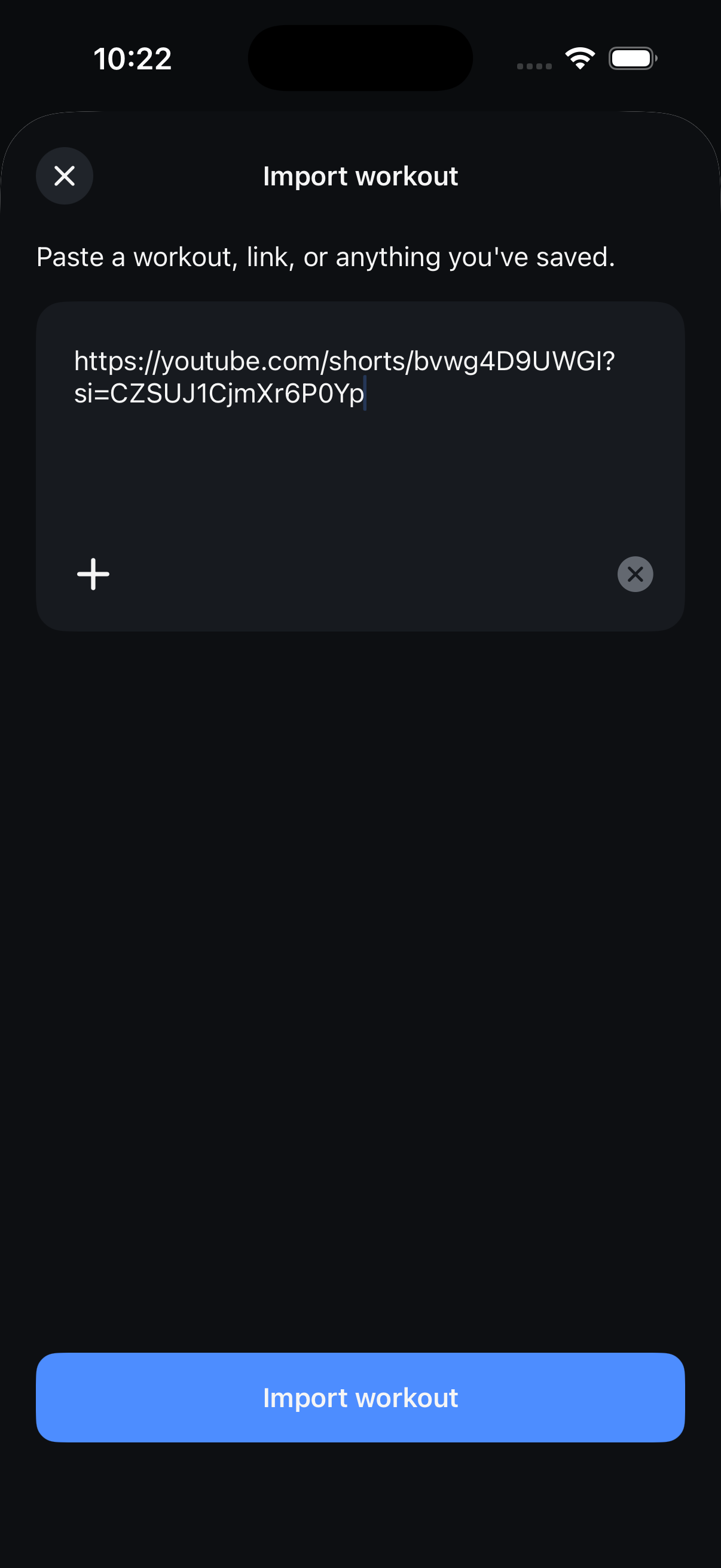
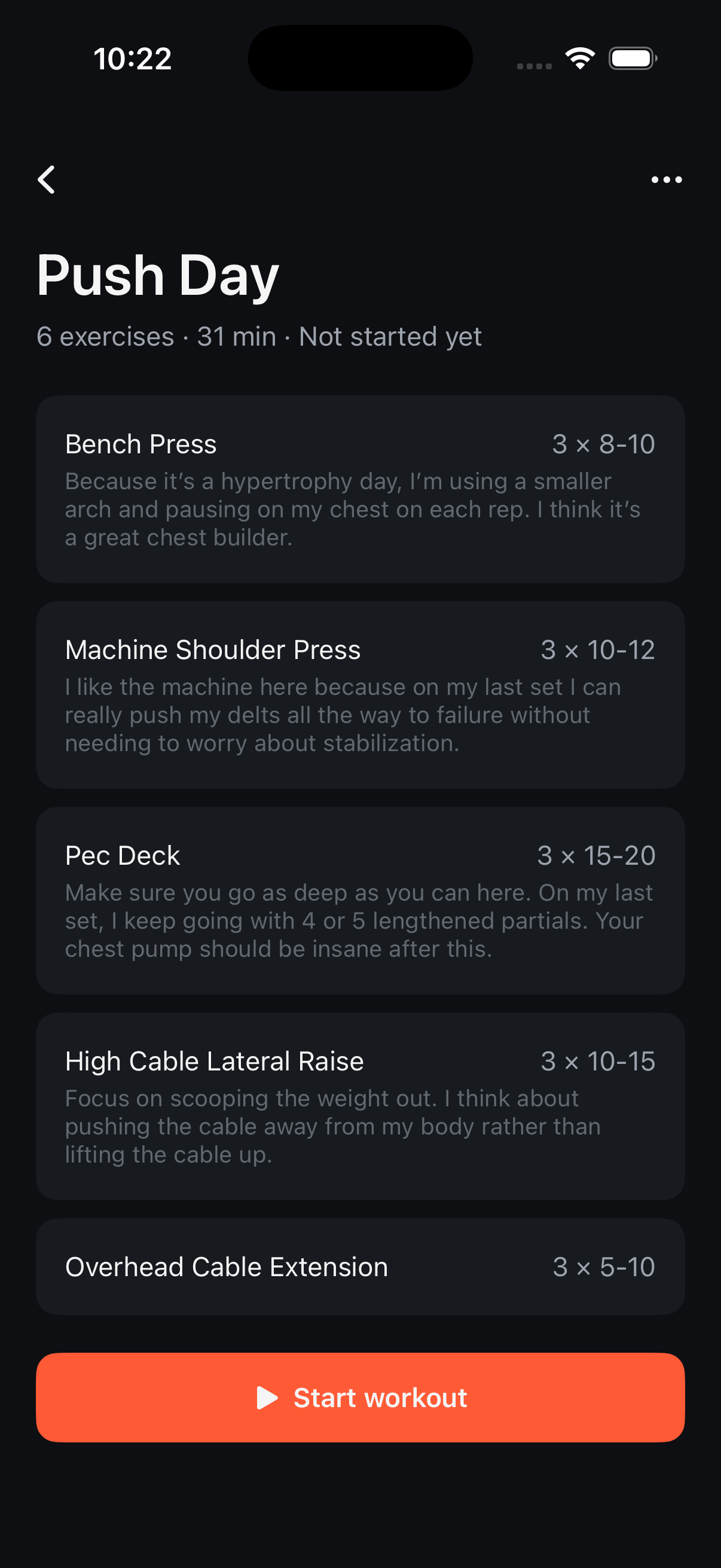
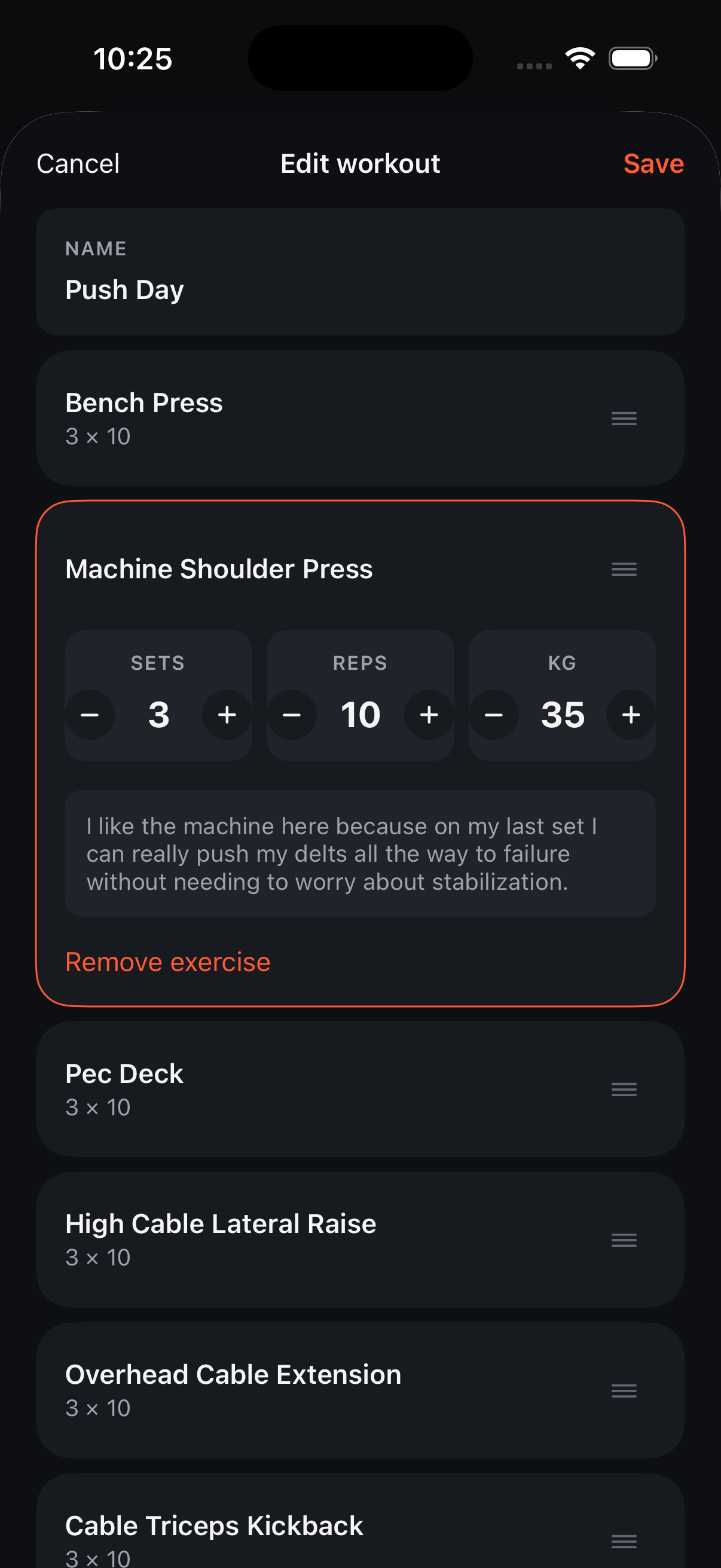
A YouTube video, an Instagram post, a screenshot, a PDF, or text from anywhere — drop it into Fitoor and AI turns it into a real workout: exercises, sets, reps, and weight. You check it over before it's saved.
 Fitoor
Saw it on YouTube or Instagram? Got a screenshot from a friend? Fitoor's AI turns it into a real workout you can follow at the gym — no retyping, no guesswork.
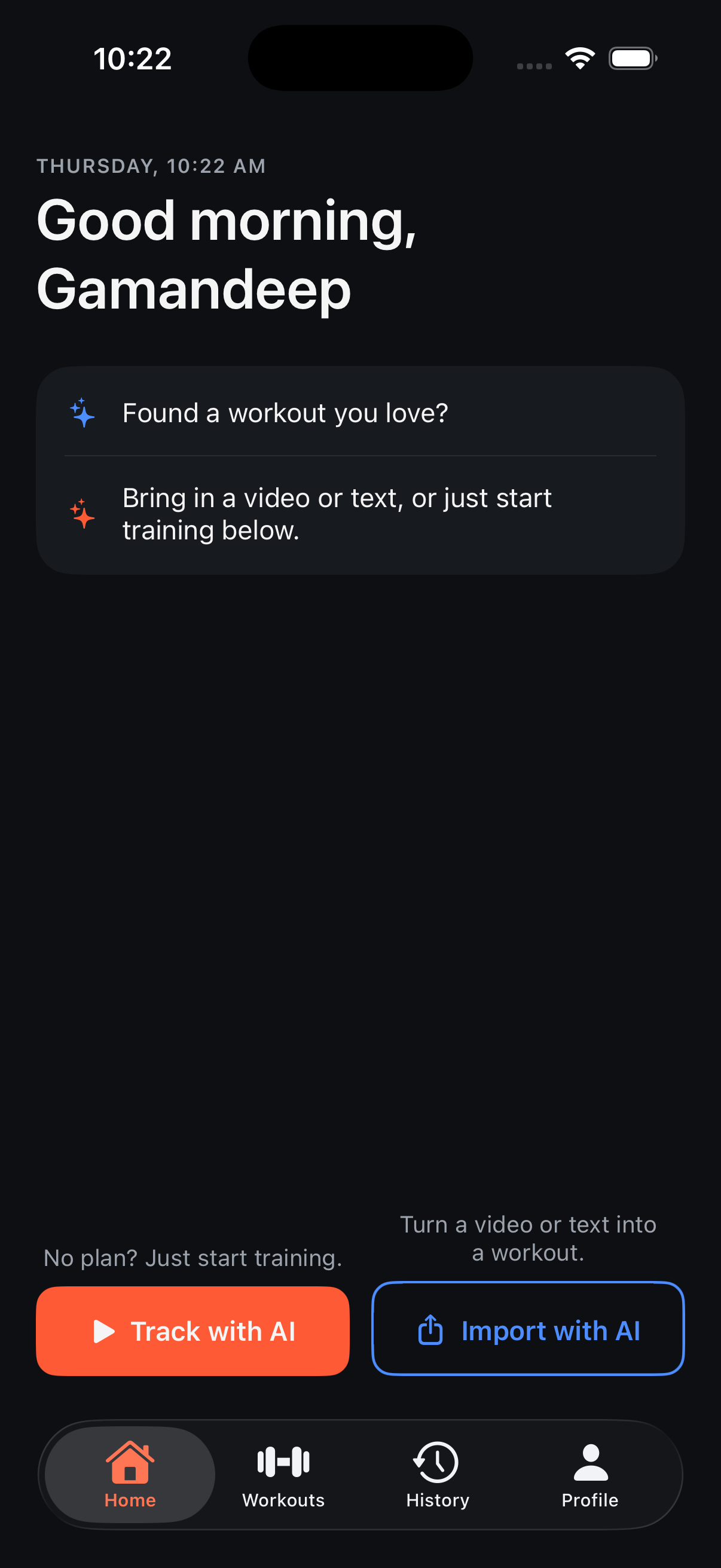
Found a workout somewhere else, or just want to start moving? Either way, Fitoor turns it into something you can track.
A YouTube video, an Instagram post, a screenshot, a PDF, or text from anywhere — drop it into Fitoor and AI turns it into a real workout: exercises, sets, reps, and weight. You check it over before it's saved.
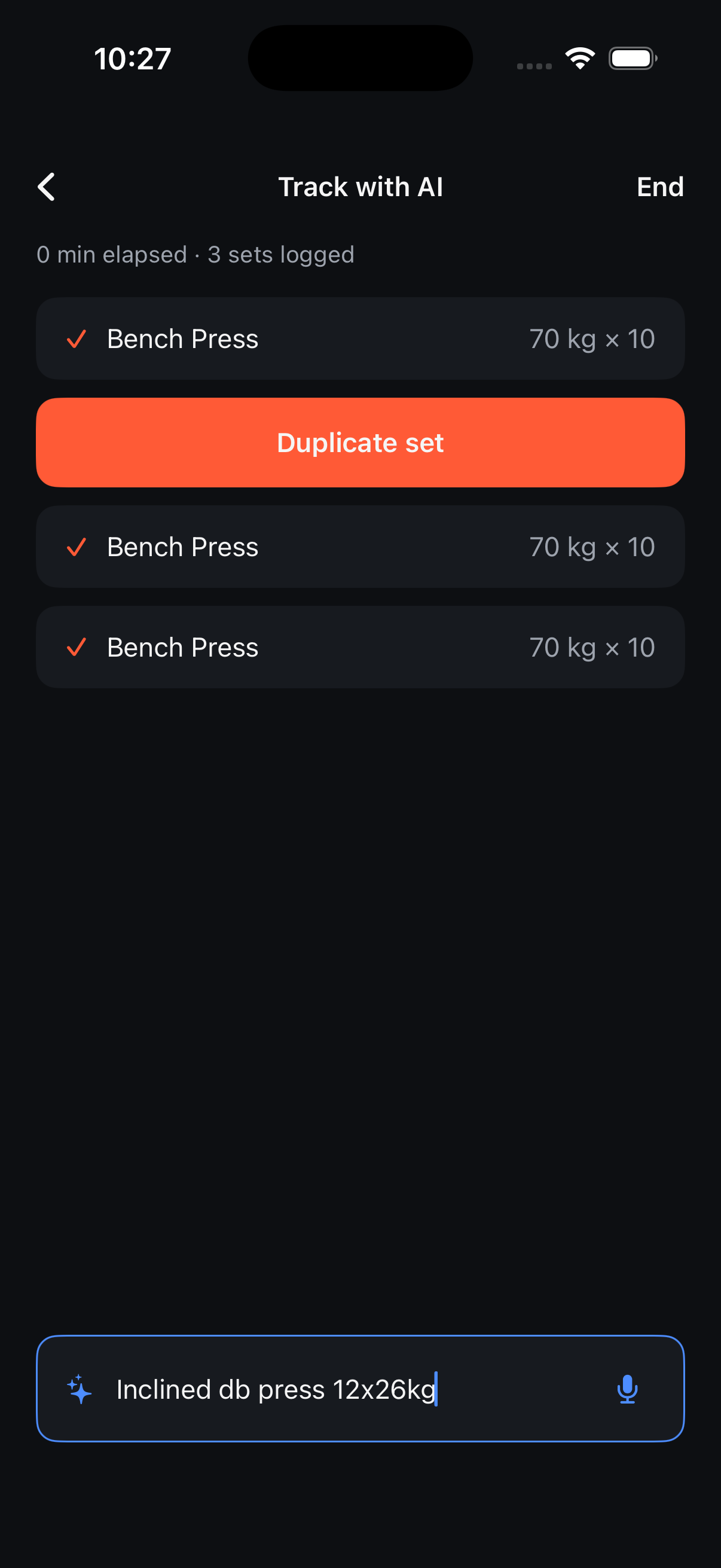
Show up with nothing written down. Start training and tell Fitoor what you're doing as you go, in plain words — AI keeps track as you train. No forms, no setup.
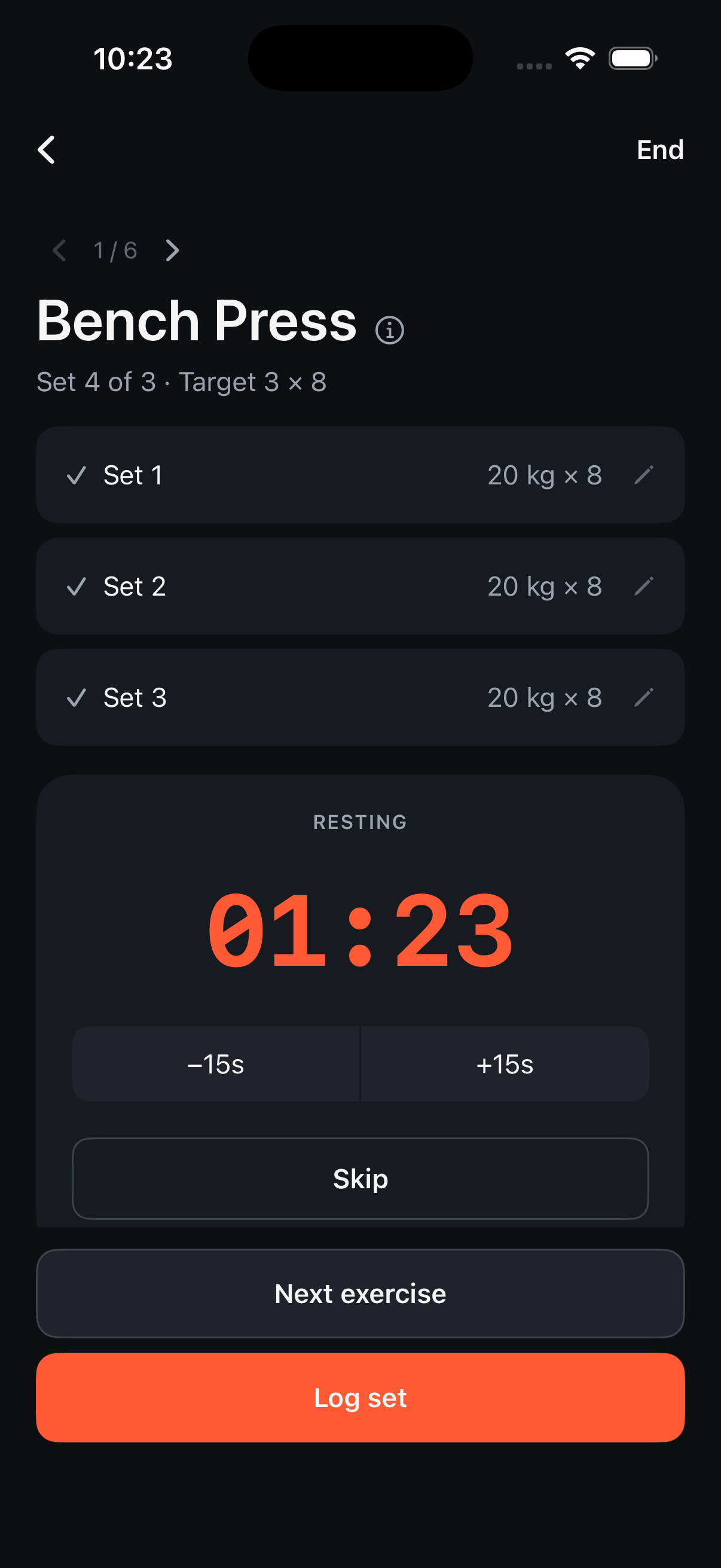
A closer look at how Fitoor works, from import to the last set.
Download Fitoor free on the App Store.
Try it now, before it's on the App Store.